
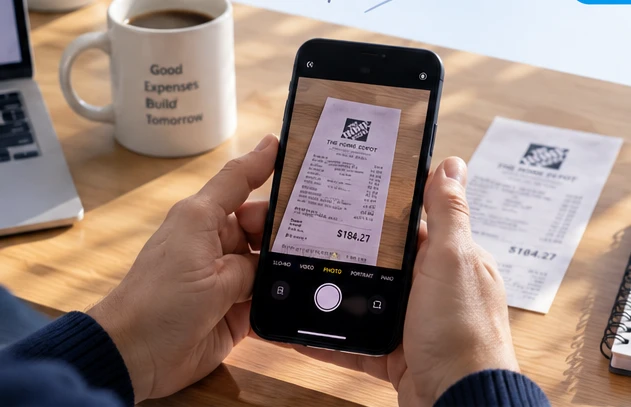
 Capture the original
01
Snap it while it’s fresh.
Take a photo or choose one from your phone. Your original stays attached to the expense.
Snap a photo. We extract the details. Keep everything organized, find it instantly, and get the reports you need—for rentals, business, and everyday life.
Use your phone or upload a photo.
We read the merchant, date, and total.
Search expenses and export records.
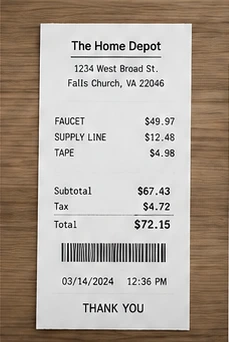
Receipts, folders, and clear spending summaries, together in one easy-to-use workspace.
A clear view of your receipts and spending.



or choose from your library
Capture the originalTake a photo or choose one from your phone. Your original stays attached to the expense.
Check the scanned details, choose a folder, and add a note that will still make sense next year.
Search in seconds, see confirmed spending, and download a CSV with the supporting receipt images.

Keep each property’s repairs, supplies, and improvements in its own folder.
Get organized
Separate business purchases and keep a clear record of what each expense was for.
Get organized
Save the receipts you may need again, without a drawer full of faded paper.
Get organizedNo. Use ReceiptBuddy in your phone’s browser or on a computer. You can also add it to your phone’s home screen. Uploads need an internet connection.
Every extracted field is editable. Review the merchant, purchase date, amount, and currency before confirming. If a scan fails, your saved original is still there and you can enter the details manually.
Yes. Create your own folders and categories. A mixed receipt can be split between folders, with personal portions excluded from expense reports.
Generate a ZIP containing a CSV of confirmed, included expense allocations and the available original receipt images. Totals remain separate by currency; ReceiptBuddy does not determine whether a purchase is tax-deductible.
Give every purchase a place you can find again.